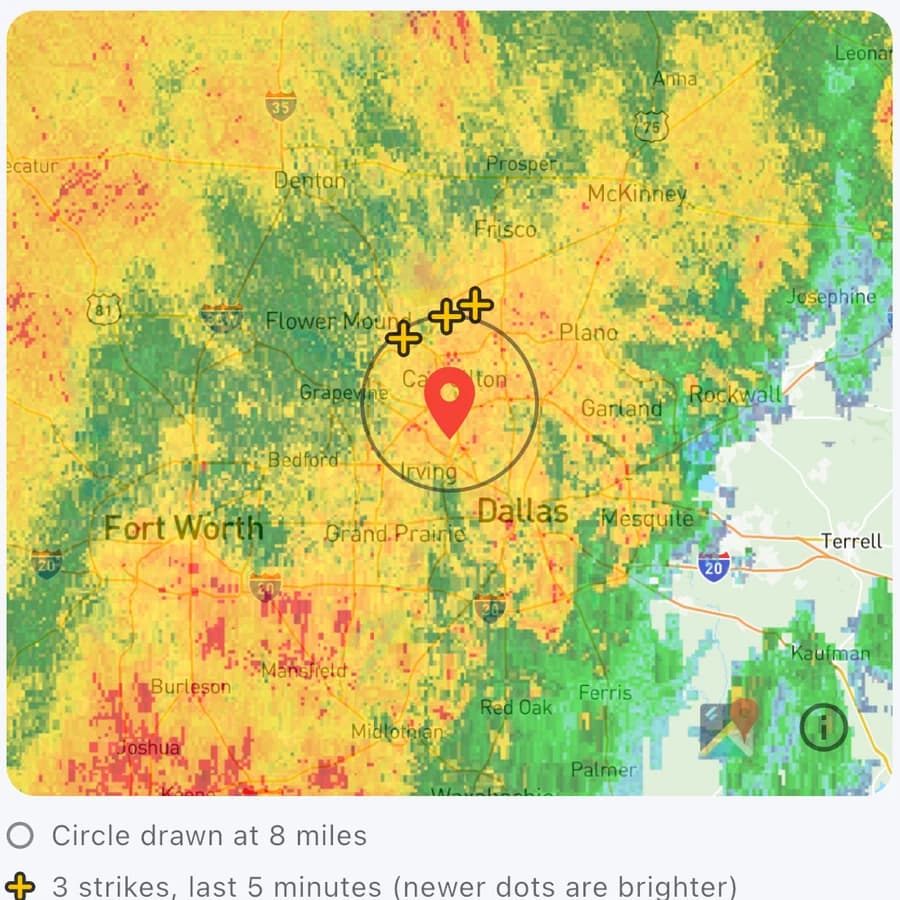
Live strike map
Recent strikes out to 35 miles plotted over radar, with the clear the field radius you set for each field drawn around it.
Sports Safe tracks lightning strike by strike around each of your fields. A strike inside the radius you set sends a clear the field alert, and the all clear comes only after 30 minutes with no strikes inside it.
Clear the field until at least 12:10 PM. Last strike within 15 miles at 11:40 AM.
Lightning
You set each field's clear-the-field radius, from 6 to 15 miles. Whenever storms are possible, Sports Safe watches out to 35 miles, so you can often see a storm coming before it reaches you.
Coaches watching that field with lightning alerts on get a clear-the-field alert. On iPhone it can come as a critical alert that sounds even on silent.
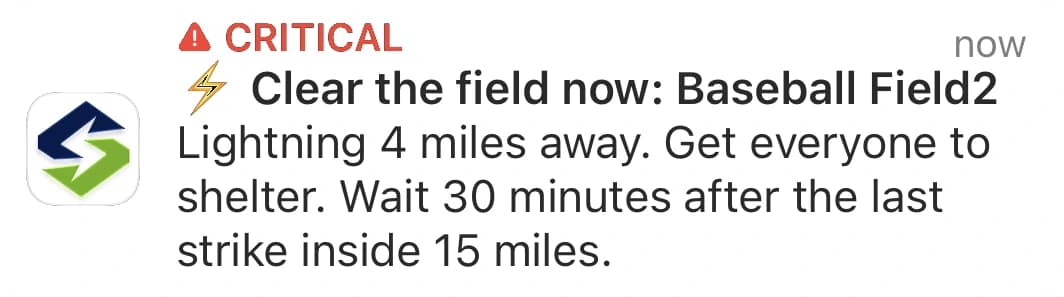
The field shows the earliest time you can return, and any new strike inside your radius restarts the clock.
Only after 30 minutes with no strikes inside your radius does the all clear go out.
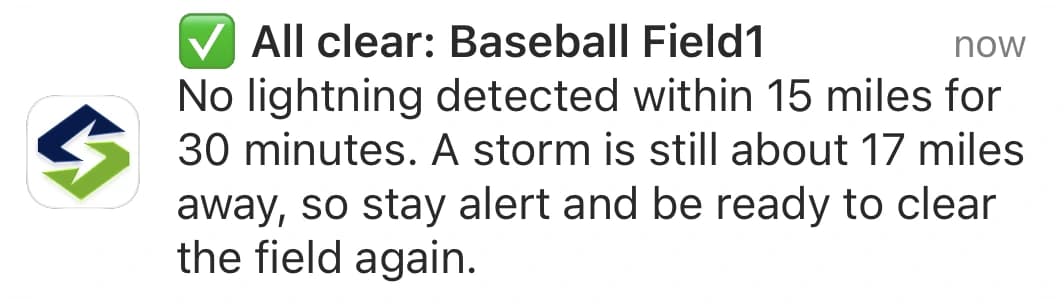
Real alerts from Sports Safe. Orange lightning, beyond 20 miles, is shown in the app but never sets off an alert.
Watch it play out
Built around the call
The alert is the part that matters most, so everything else is built to make sure it reaches the right people at the right time.

FAQ
Each field has a clear-the-field radius you choose, anywhere from 6 to 15 miles (10 unless you change it). A strike inside that radius sends a clear-the-field alert. The all clear comes only after 30 minutes with no strikes inside the radius, and any new strike inside it restarts the 30 minutes. The field shows the earliest time you can return while you wait. During a field's alert schedule, strikes are checked about every 5 minutes whenever storms are expected nearby, and about every 3 minutes once lightning is within 20 miles.
Purple means lightning inside your field's radius: clear the field. Red means lightning between your radius and 20 miles: be ready to clear. Orange means lightning 20 to 35 miles out: stay alert. Yellow means storms are possible and we're watching for strikes, and green means no storms are expected nearby. Lightning beyond 20 miles shows on the map and in the app but never sets off an alert on its own.
The 30-30 rule is a widely used lightning guideline for outdoor sports. It began as a flash to bang count: if thunder follows a lightning flash by 30 seconds or less, get to shelter. Today NOAA and the National Weather Service teach a simpler and safer rule: when thunder roars, go indoors. If you can hear thunder at all, you are close enough to be struck. Then wait at least 30 minutes after the last lightning or thunder before going back out. Sports Safe applies the waiting half automatically: each field's all clear comes only after 30 minutes with no strikes inside its radius, and any new strike restarts the clock.
On iPhone, clear-the-field lightning alerts can sound even when your phone is on silent or in Do Not Disturb. They're on by default once you allow them, and you can turn them off under Settings, Notifications in the app. Other alerts, like heat and UV, arrive as normal notifications.
Yes. On any paid plan, "Monitor my current location" in the app watches wherever you're standing for three hours. This is especially useful for an away game or a scrimmage at a field you'll never visit again. It doesn't use up one of your plan's monitored field slots, and it ends on its own so nothing is left running. Every admin seat has their own Current Location ability.
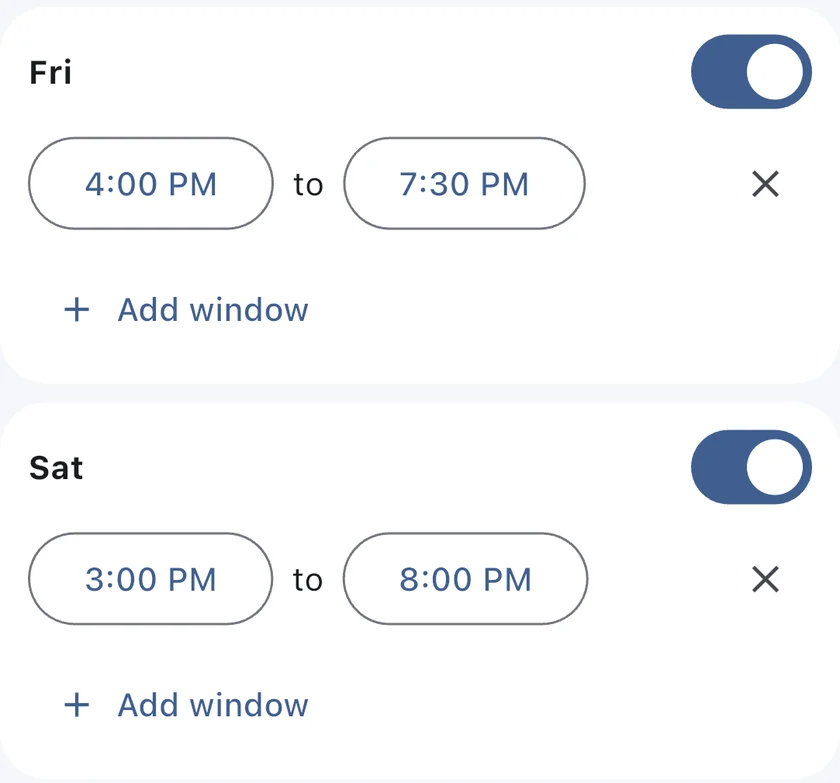
Yes, and you should. Each field can carry an alert schedule, the days and times it should be watched. Outside those hours the field shows as Scheduled and won't send hazard alerts. A good rule is to start the window about an hour before you arrive and end it an hour after you leave, so conditions are already being tracked when your athletes show up. No one wants a lightning alert in the middle of the night.